Standalone Injector
Open Minecraft from your preferred launcher, run Nova's injector console and attach to the detected process.

Standalone Java injector for Minecraft, Lunar, Fabric and Forge setups.
Open Minecraft from your preferred launcher, run Nova's injector console and attach to the detected process.
A dark ImGui sidebar keeps modules, settings, favorites, presets and notifications inside the Minecraft window.
Combat, movement, render, player and misc modules can be toggled, configured and saved locally.
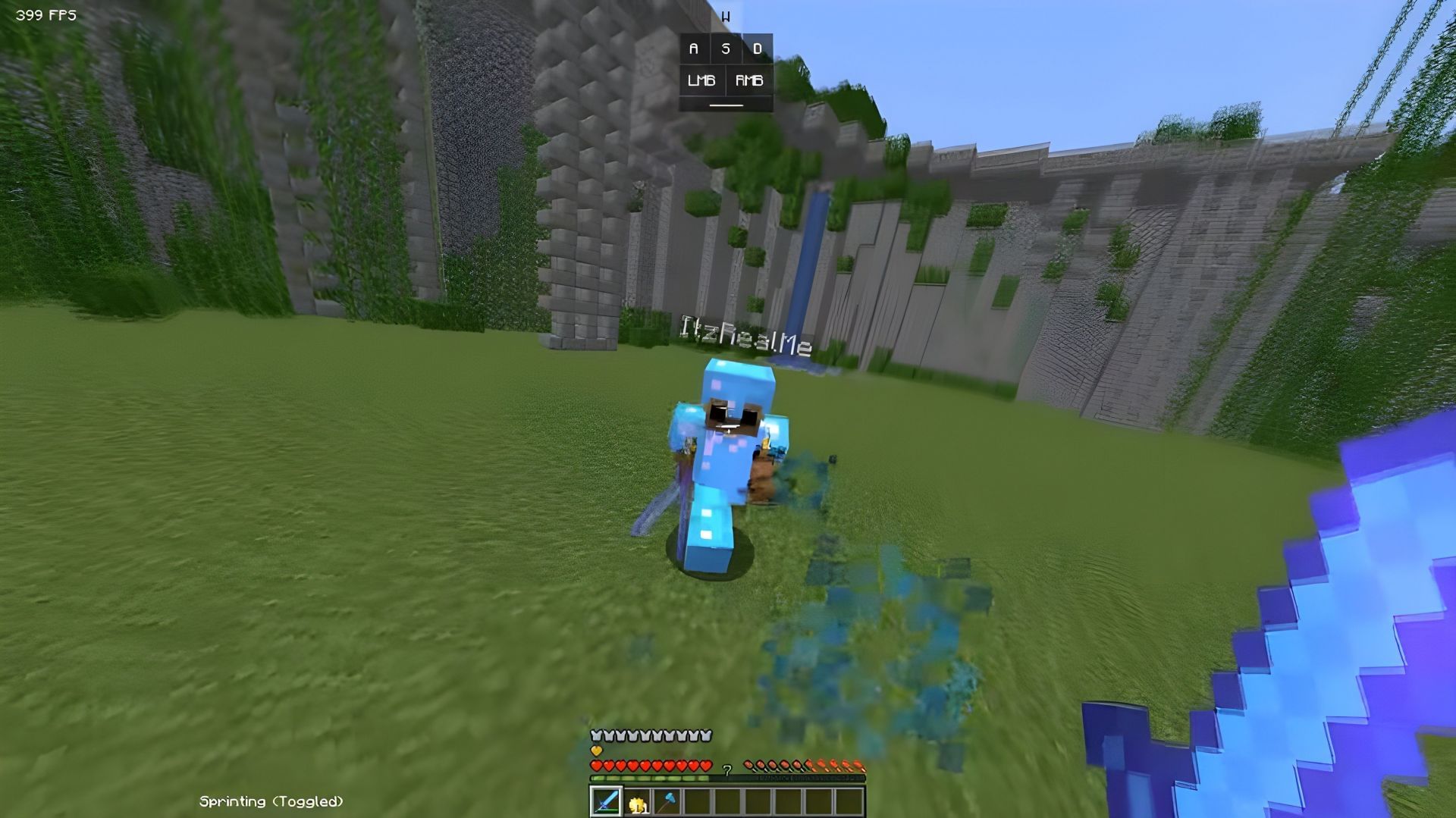



Nova attaches to supported Minecraft sessions launched through Minecraft, Lunar Client, Fabric, Forge and other common loader setups. It still targets exact Minecraft 26.2 and 26.1.1 runtimes and requires a JVM that allows Java agents.
Get the injector, supported payload builds and project support in the plan that fits you.
Access to Nova injector builds, updates and support on a monthly plan.
Pay once for Nova access without a recurring subscription.
Launch through Minecraft, Lunar Client, Fabric, Forge or another supported setup, then attach Nova's version-specific payload and manage modules in-game.
Everything you need to know before getting started with Nova.
Nova is an injectable Minecraft runtime client. You open Minecraft first, then use the Nova injector console to load the matching version-specific payload into that session.
This build targets Minecraft 26.2 and 26.1.1. The launcher or loader can be Minecraft, Lunar Client, Fabric, Forge or another compatible setup, but the running game version still has to match.
Nova detects common Minecraft entry points, including Lunar Client, Fabric, Forge, Quilt, NeoForge, Prism and MultiMC. Loader compatibility still depends on the running JVM allowing attach and class retransformation.
Press RSHIFT after Nova has loaded. The menu includes module settings, favorites, presets, themes and local configuration options.
You can join the Nova Discord community for announcements, help and updates from the project.